The Ultimate Greek Letters Copy-Paste Toolkit: Web, Office, and Mobile Guide
Q1: Why does a copy-pasted Greek letter sometimes turn into a blank square or question mark?
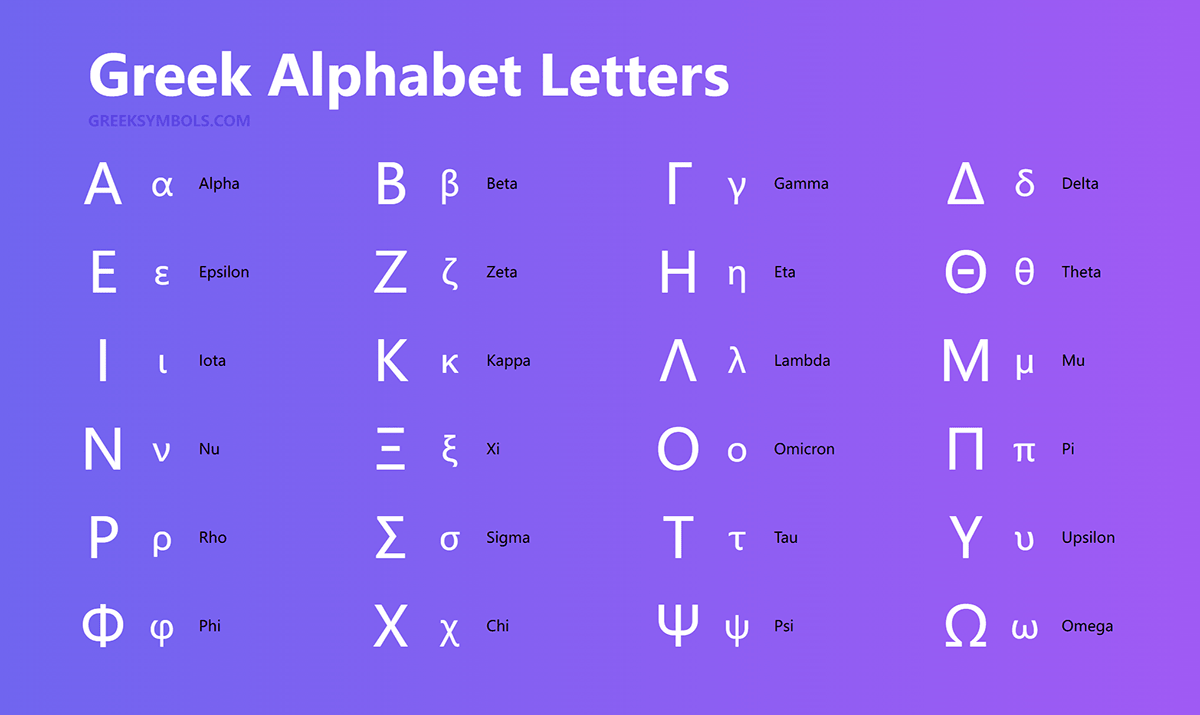
A1: This issue, known as mojibake, occurs when the target software or active font lacks support for the Unicode Greek block (U+0370 through U+03FF). Switching the document font to a broad Unicode typeface, such as Arial, Times New Roman, Segoe UI, or Roboto, restores the correct visual character immediately.
Q2: What is the exact difference between the Micro sign and the Greek letter Mu?
A2: The micro sign (µ, Unicode code point U+00B5) originated in the legacy Latin-1 supplement block, whereas the standard Greek lowercase mu (μ, code point U+03BC) resides in the primary Greek alphabet block. Although visually indistinguishable in most fonts, automated code parsers and math libraries process them as entirely separate characters.
Q3: Can I type Greek letters natively on an iPhone or Android phone without third-party software?
A3: Yes. Navigate to your device settings under General > Keyboard > Keyboards > Add New Keyboard and select Greek. This installs an authentic Greek software keyboard alongside your primary layout, letting you swap back and forth with a single tap on the globe icon.